Before you begin
Make sure that:
-
You are an Owner or Super Admin in your CorporateGift account.
- You have administrator access to your company’s Justworks account.
- Your company has an active paid Justworks plan.
Connect your account
- Add the Justworks integration in CorporateGift.
Sign in to corporategift.com as an Owner or Super Admin, go to your integrations, and add Justworks. - Generate a connection link.
Click Generate Link to create the connection link needed to complete authorization. - Open the connection link.
Follow the link to start the linking flow and open the Justworks login window. - Open the Justworks login window.
In the integration linking flow, open the window to sign in to Justworks.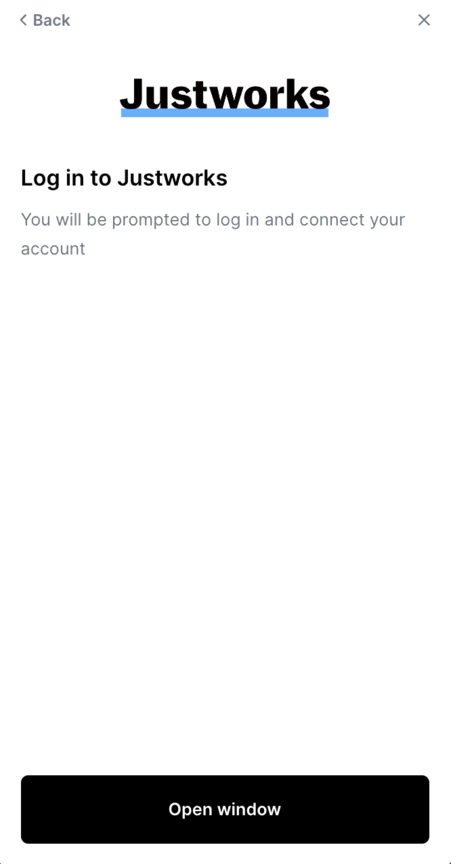
- Sign in to Justworks.
Use your administrator account to log in.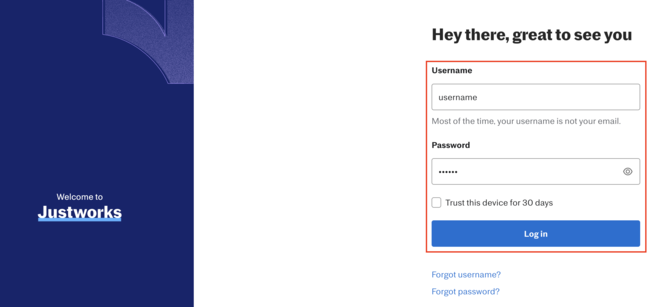
- Continue to authorization.
Click Next on the first screen.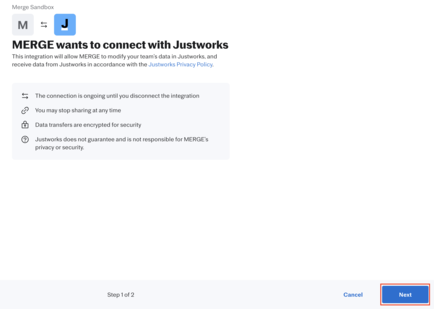
- Review and authorize access.
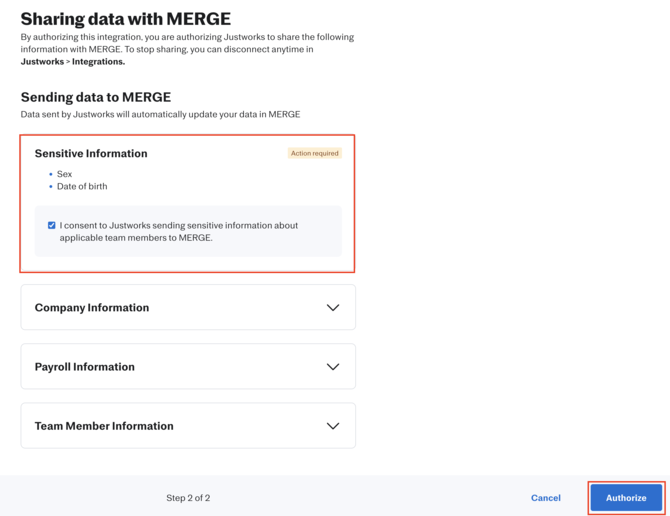
If a checkbox appears requesting access to Sex or Date of Birth information, review the request and select it if applicable. Then click Authorize.This checkbox appears only if the integration requests access to these fields.